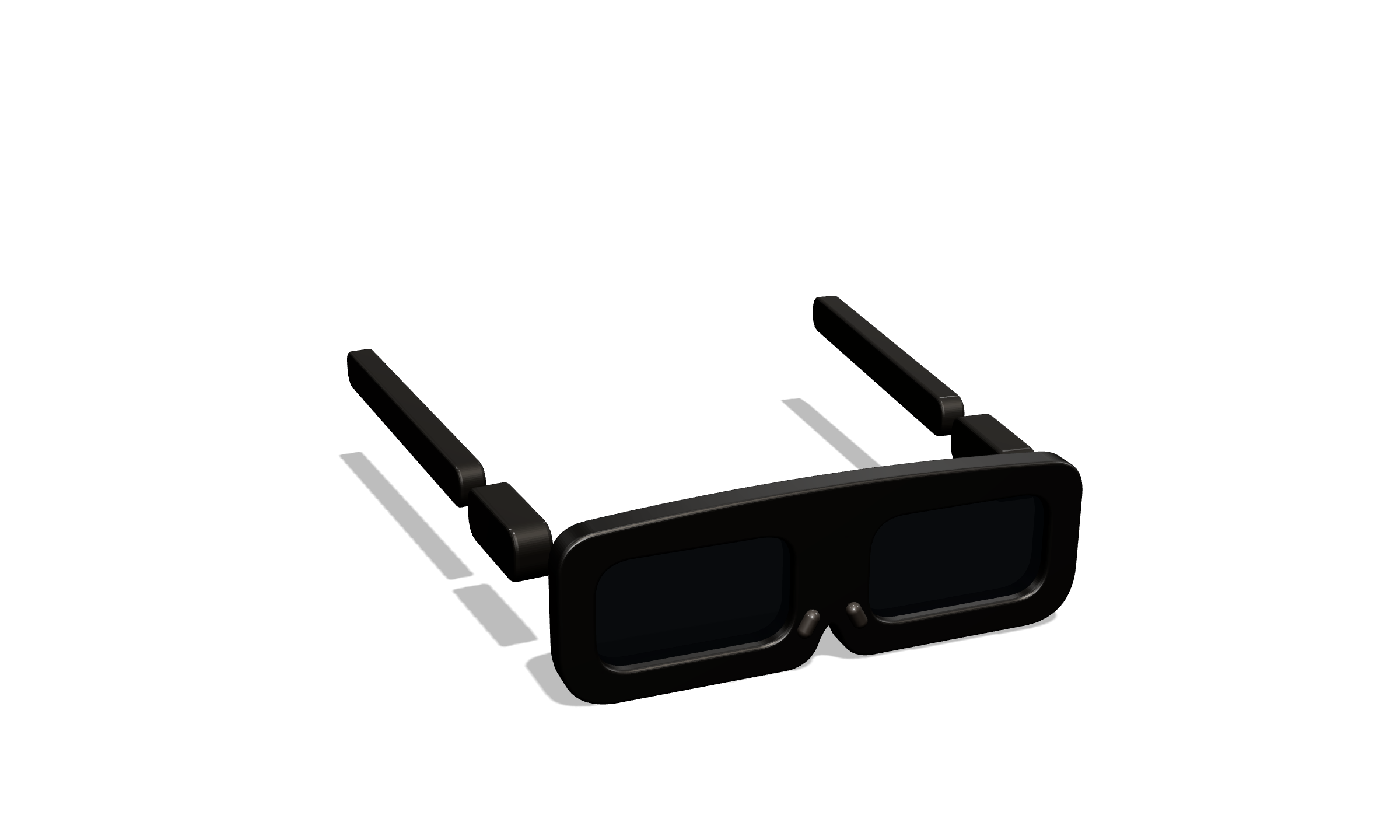
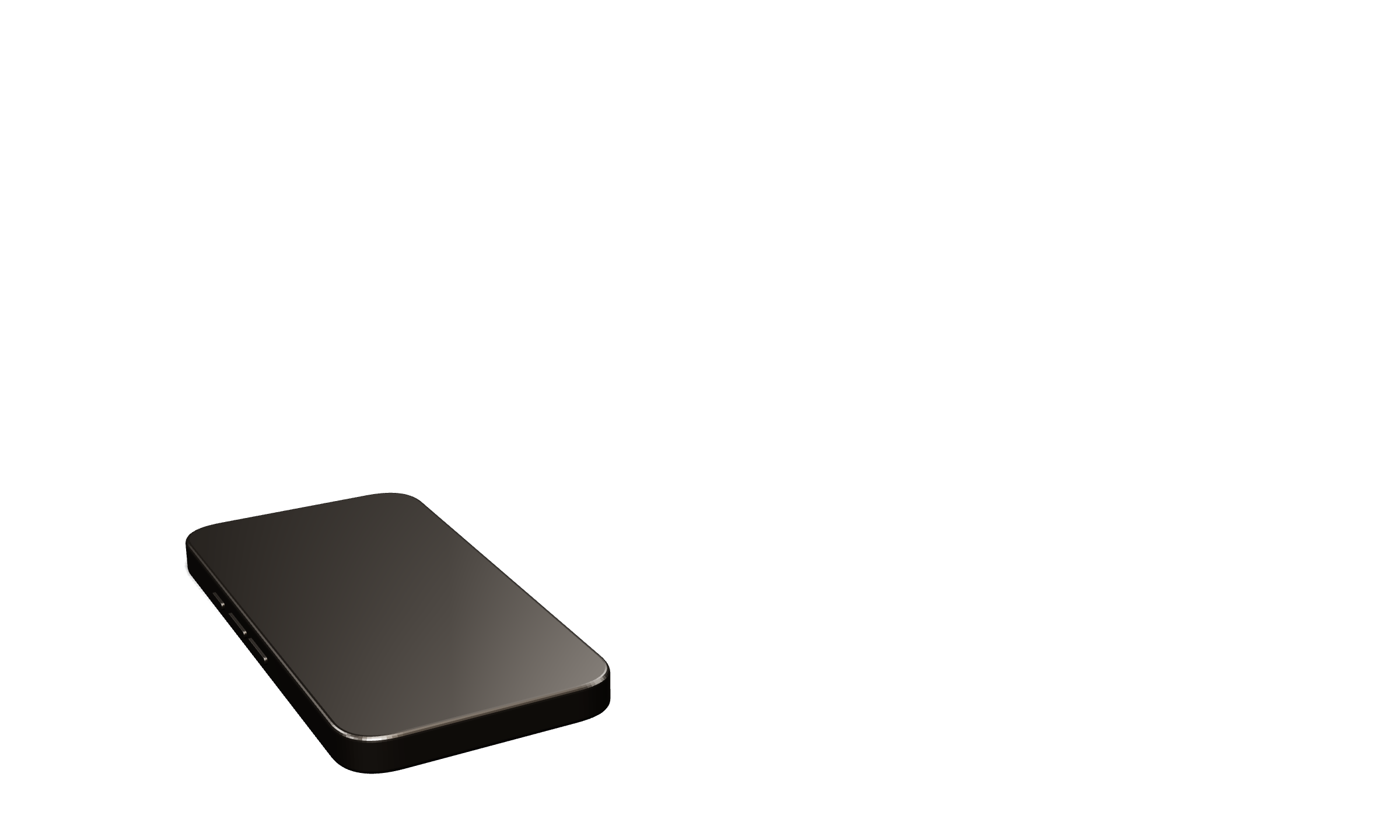

LumenDesk for iPhone + XR glasses

Your glasses. Your desk. No laptop.

Plug your iPhone into any USB-C display glasses and get a full 1920×1080 workspace in front of your eyes. Your phone becomes the trackpad and keyboard.

Three parts. One system.

Nothing to carry but what you already carry.

The glasses show the screen. The phone is the input. No dongles, no mouse, no laptop bag.

DisplayA true 1920×1080 canvas on the glasses. Desktop web, no black bars.
TouchpadYour iPhone. One finger moves, two fingers scroll, pinch zooms.
KeyboardOn-screen strip or Bluetooth, with Esc, Tab, ⌃ ⌘ ⇧ and arrows.
Desktop web, not a phone in your face

Real sites, real cursor, every pixel.

Sites load in desktop mode: vscode.dev, GitHub, dashboards, PDFs. The cursor reaches the edges, latency stays under 50 ms, and the phone dims itself to save battery.

One canvas, all your tools

Review the PR. Check the dashboard. Ship.

It is your browser at full size. Move between vscode.dev, GitHub and your own dashboards with a swipe on the touchpad, and keep your hands where they are.

Scroll

More than mirroring. A real desk that fits in the pocket you already have.

What you get
Display · separate scene, not mirroring

The Display

LumenDesk opens its own 1920×1080 landscape scene on the glasses. Your phone screen stays free for input.

  • Desktop-mode browser, so sites behave like on a laptop
  • Drawn cursor that reaches every edge of the canvas
  • Phone auto-dims to 12% brightness while you work
Touchpad · one hand, eyes on the glasses

The Touchpad

The whole phone is a trackpad. Gestures you already know, tuned for a screen you cannot touch.

  • One finger moves, tap clicks, long-press drags
  • Two-finger scroll and two-finger tap for right click
  • Pinch to zoom, adjustable speed and natural scrolling
esctabhomeend
Keyboard · built for terminals

The Keyboard

A keyboard that knows you are in a code editor, not a chat box.

  • Accessory strip with Esc, Tab, sticky ⌃ ⌘ ⇧, arrows, Home and End
  • Bluetooth keyboards pass straight through
  • Made for vscode.dev, GitHub and web terminals
How it works

Plug in

Connect the glasses to your iPhone with the USB-C cable that came in the box. LumenDesk detects the display and opens the desk.

Put them on

A 1920×1080 canvas appears in front of you with your last page already loaded. The phone switches to touchpad mode and dims.

Work

Move the cursor with one finger, scroll with two, type on the strip or a Bluetooth keyboard. Latency is measured live so you can see it, not guess it.

Where it goes

A desk that fits wherever you are.

Train · plane

The 6:40 to downtown

Forty minutes of real work, no tray table needed. The screen stays put while the carriage moves.

Café

One seat, one coffee

Open a pull request between sips. Nobody behind you can read your screen.

Home

The couch office

Lean back. The canvas is fixed in space, so reading long docs or PDFs is finally comfortable.

Anywhere

Hotel, lobby, gate

Everything is in your pocket already. Pull out the glasses and the desk is there.

Try it

A keyboard that speaks terminal.

Tap the keys on the right, or use your real keyboard. The strip is what your thumb sees on the phone: modifiers stick, arrows are one tap away, and Escape is always where you expect it.

  • Sticky ⌃ ⌘ ⇧ for shortcuts like ⌘K and ⌃C
  • Esc, Tab, Home and End for editors and shells
  • Any Bluetooth keyboard passes straight through
lumendesk ~ $
esctabhomeend
Try typing, or press ↑ to recall the last command.
Compare

What you carry, what you get.

Laptop in a bagPhone mirroring appsLumenDesk
Weight you carry1.3 to 2 kg plus chargerPhone and glassesPhone and glasses
Screen you get13 to 16 inchPhone-shaped, black barsFull 1920×1080 canvas
Sites load asDesktopMobileDesktop
Cursor and keyboardTrackpad and keysTouch on a screen you cannot seePhone is the trackpad, strip or Bluetooth keys
Setup timeUnfold, wake, find a tablePlug inPlug in, put on
Works lying downNoSort ofYes
Latency you can seen/aNot shownLive p95 in the app
PriceFrom $999 once$2 to $10 a month$9.99 a month, both apps
LumenDesk Cockpit for Mac + XR glasses

Watch your AI agent work. Approve with a glance.

A spatial cockpit for Claude Code and Codex. Editor, agent stream, terminal, git and cost meter laid out on a panoramic canvas. Turn your head to focus a panel. Approve a diff with Y.

Turn your head, or scroll, to focus a panel
Built for people who ship with agents

Your agent, your key, your glasses.

Head-turn focus

Look at a panel to focus it

Head tracking over WebHID, straight from the glasses. No SDK, no driver. A 320 ms dwell inside a 14° cone moves focus, so panels never flicker while you read.

Approvals

Approve diffs with one key

Every edit or command your agent proposes arrives as a card with the inline diff. Y approves, N rejects. Plan, accept-edits and auto modes are one keystroke away.

Terminal

A real shell, not a viewer

xterm.js over node-pty. Run tests, tail logs, git push. The editor panel tunnels to vscode.dev or your code-server.

Voice

Say the task, keep your hands free

Dictate a task in English or Turkish. It auto-sends after 3.5 seconds of silence, straight into the agent stream.

Bring your own key

Your Claude or ChatGPT credential stays yours

Cockpit runs on your Mac and talks to the provider with your key. We never see your code or your key. Live spend, budget cap and a prompt-cache savings meter are always on screen.

Latency budget

p95 under 20 ms, no smoothing

Motion-to-photon is measured, not estimated. Panels are CSS 3D, not WebGL, so text stays razor sharp at 44 pixels per degree.

Desk · pointer
0msp95 pointer latency, measured live in the diagnostics overlay
Cockpit · motion
0msp95 motion-to-photon with head tracking on, no smoothing
Canvas
1920×1080A full desktop resolution on the glasses, per eye on Cockpit
Bag
0laptopsEverything you need is already in your pocket
Roadmap

Shipping in the open.

Available now

  • LumenDesk for iPhone 1920×1080 desk, touchpad, keyboard strip, live diagnostics
  • LumenDesk Cockpit for Mac Panoramic panels, approvals, terminal, git, voice
  • Bring your own key Budget cap and cache-savings meter

Later

  • Cockpit on iPhone Approve from anywhere
  • Team plans Shared budgets and audit trail
  • Glasses head tracking on iPhone When iOS exposes the sensors

Subscribers get every update the day it ships. Dates move; the order does not.

Compatibility

Works with the glasses you already own.

LumenDesk · iPhone
Any USB-C display glasses 1920×1080 · 60 Hz DisplayPort over USB-C
iPhone 15 · 16 · 17 families No dongle, one cable

Requires an iPhone with USB-C DisplayPort output. iPhone 16e and iPhone Air do not output video and are not supported. Any display glasses that take a DisplayPort signal over USB-C will work; the app ships with tuned profiles for the popular models.

LumenDesk Cockpit · Mac
Mac with desktop Chrome Head tracking over WebHID Claude Code · Codex

Head tracking reads the glasses' motion sensor over WebHID, with no SDK or driver; supported models are listed in the app. Other glasses work as a fixed canvas. A record-and-replay mode lets you set up the cockpit without the glasses on.

Pricing

One subscription. Both apps.

$9.99/ month
7-day free trial, then billed monthly. Cancel anytime.

Subscribe on the web or inside the apps. Model usage for Cockpit is billed by your own provider, with your own key.

  • LumenDesk for iPhone: the 1920×1080 desk, touchpad and keyboard
  • LumenDesk Cockpit for Mac: panoramic agent cockpit with approvals
  • Tuned profiles for every supported pair of glasses
  • Live latency diagnostics and every update while you subscribe
  • One account across web, iPhone and Mac
Questions

Before you put them on

Is this just screen mirroring?

No. LumenDesk opens a separate 1920×1080 scene on the glasses while the phone shows the touchpad. You get a full landscape desktop canvas, not a phone-shaped window with black bars.

Which iPhones work?

The iPhone 15, 16 and 17 families with USB-C DisplayPort output. iPhone 16e and iPhone Air do not output video over USB-C, so they are not supported.

Which glasses work?

Any display glasses with a USB-C DisplayPort input. Cockpit head tracking works on glasses that expose motion data over USB; the supported list lives in the app, and other glasses run Cockpit as a fixed canvas.

Does the picture follow my head?

On iPhone, no. iOS cannot read the glasses' motion sensors, so LumenDesk gives you a fixed, stable canvas, which is what you want for reading and typing. Cockpit on Mac adds 3DoF head tracking so you can turn to focus panels.

Does Cockpit see my code or my API key?

No. Cockpit runs on your Mac and drives Claude Code or Codex with your own credential. Nothing goes through LumenDesk servers. A budget cap and live spend meter keep costs visible.

Can I cancel?

Anytime, from the web or the app store you subscribed on. One subscription covers both apps on all your devices.

Ready when you are

Put the glasses on. The desk is already there.

Seven days free, then one subscription for both apps. Cancel from the web or your app store, anytime.

One email when something ships. No newsletters.